Setup & Onboarding Guide
Pay like a local, with crypto. Up and running in minutes.
What is Yodl Pay?
Yodl Pay is a self-custodial wallet that lets you spend crypto anywhere that accepts local payment methods — no bank account required.
Load up USDC or USDT, and pay merchants in Vietnam, Argentina, Brazil, the Philippines, and more using their preferred local payment rails.
- Scan a QR code, pay, and you're done.
- Start paying instantly — no KYC required for basic limits.
- Fund your wallet with USDC or USDT on Arbitrum or Base.
Getting Started
Download & Open the App
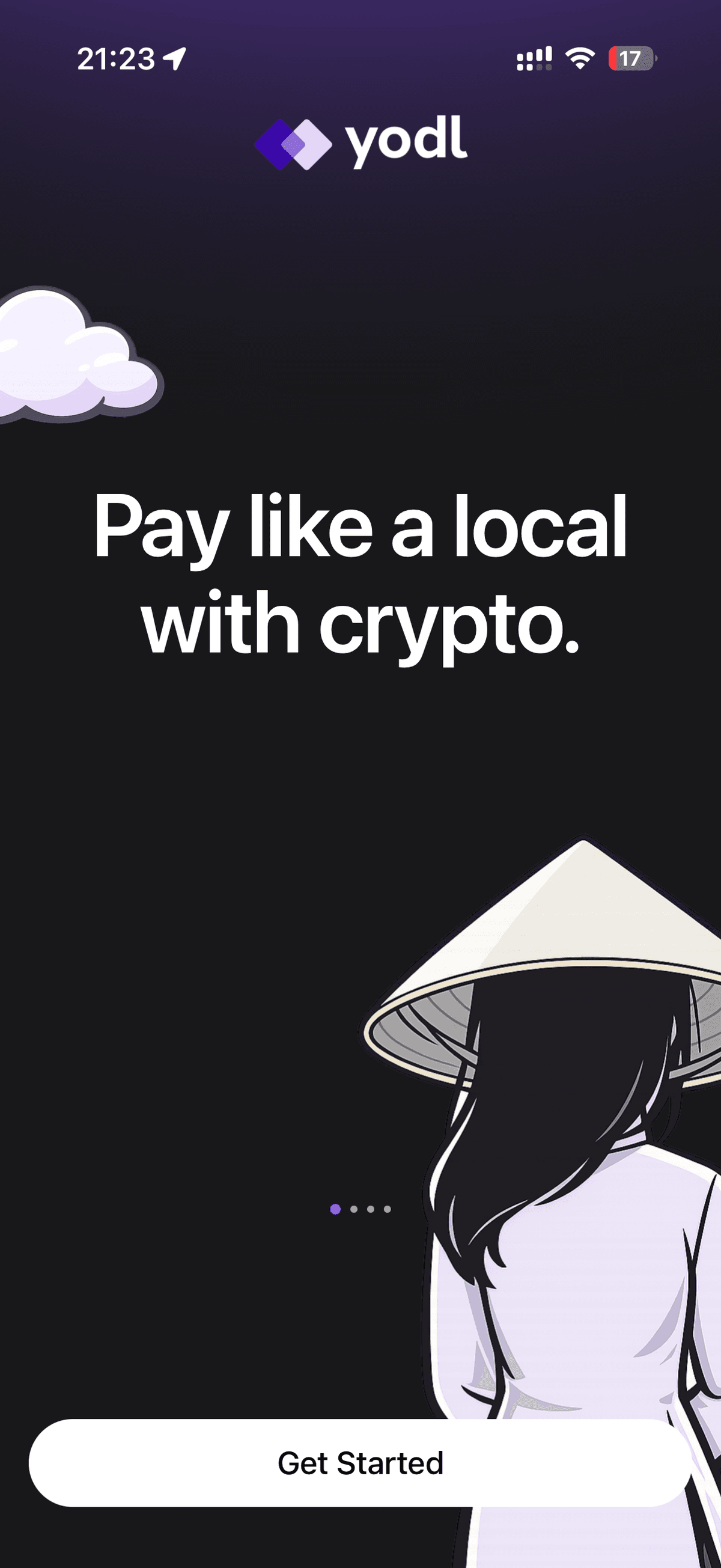
Download Yodl Pay from the App Store (iOS) or Google Play Store (Android). Open the app and tap Get Started to begin setting up your wallet.
Create Your Account
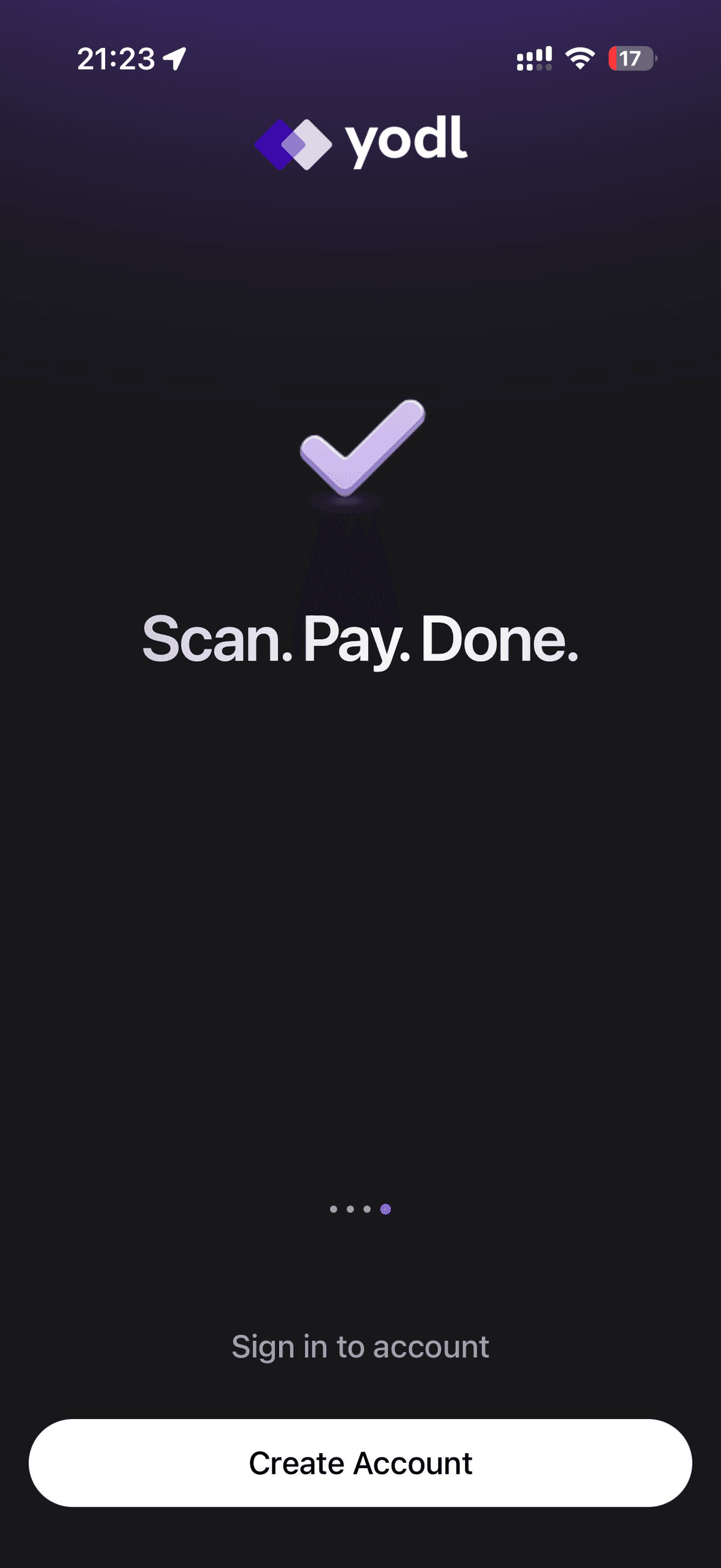
You'll arrive at the account creation screen. Tap Create Account and follow the prompts.
Sign Up with Your Email
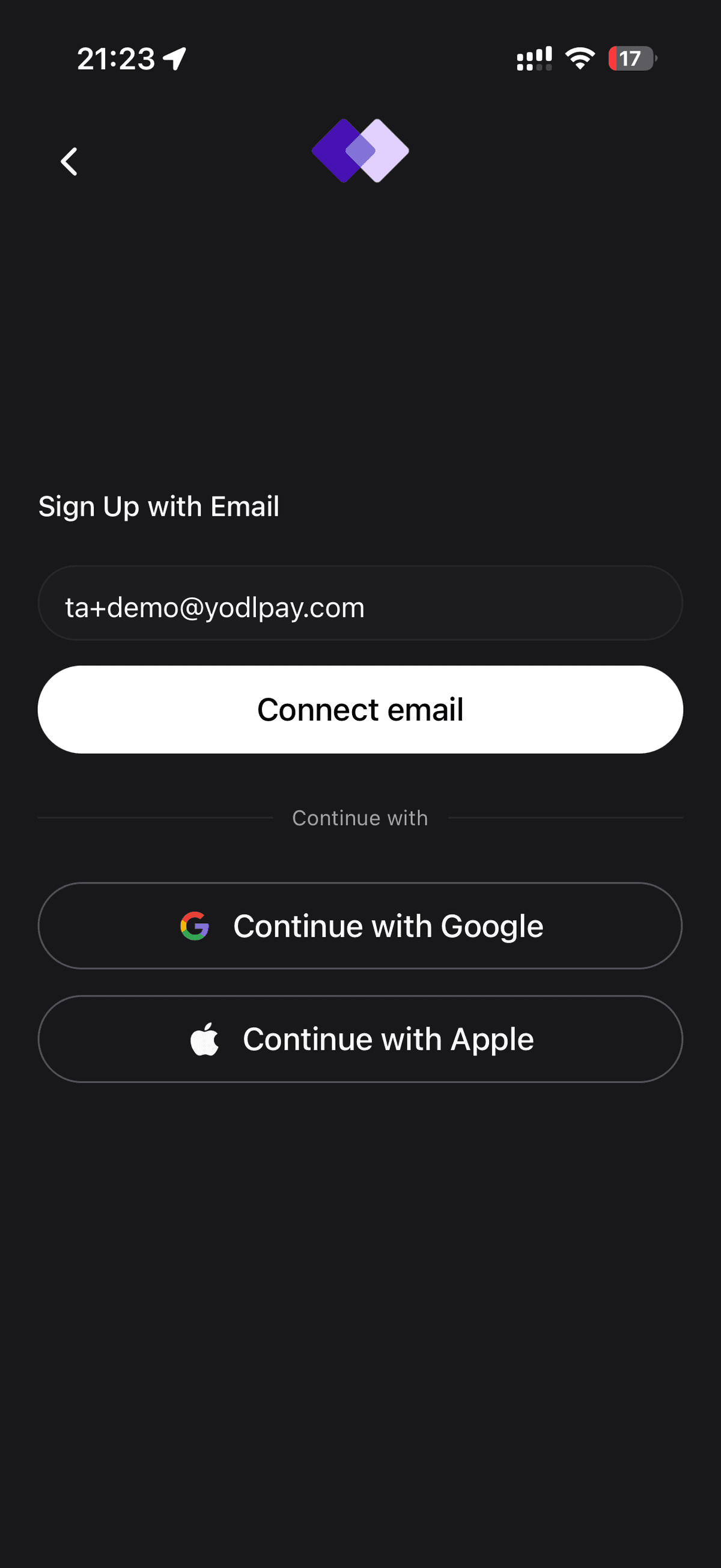
Enter your email address and tap Continue. You can also sign in with Google or Apple.
Tip: You can also sign in with your Google or Apple account for a faster sign-up.
Verify Your Email
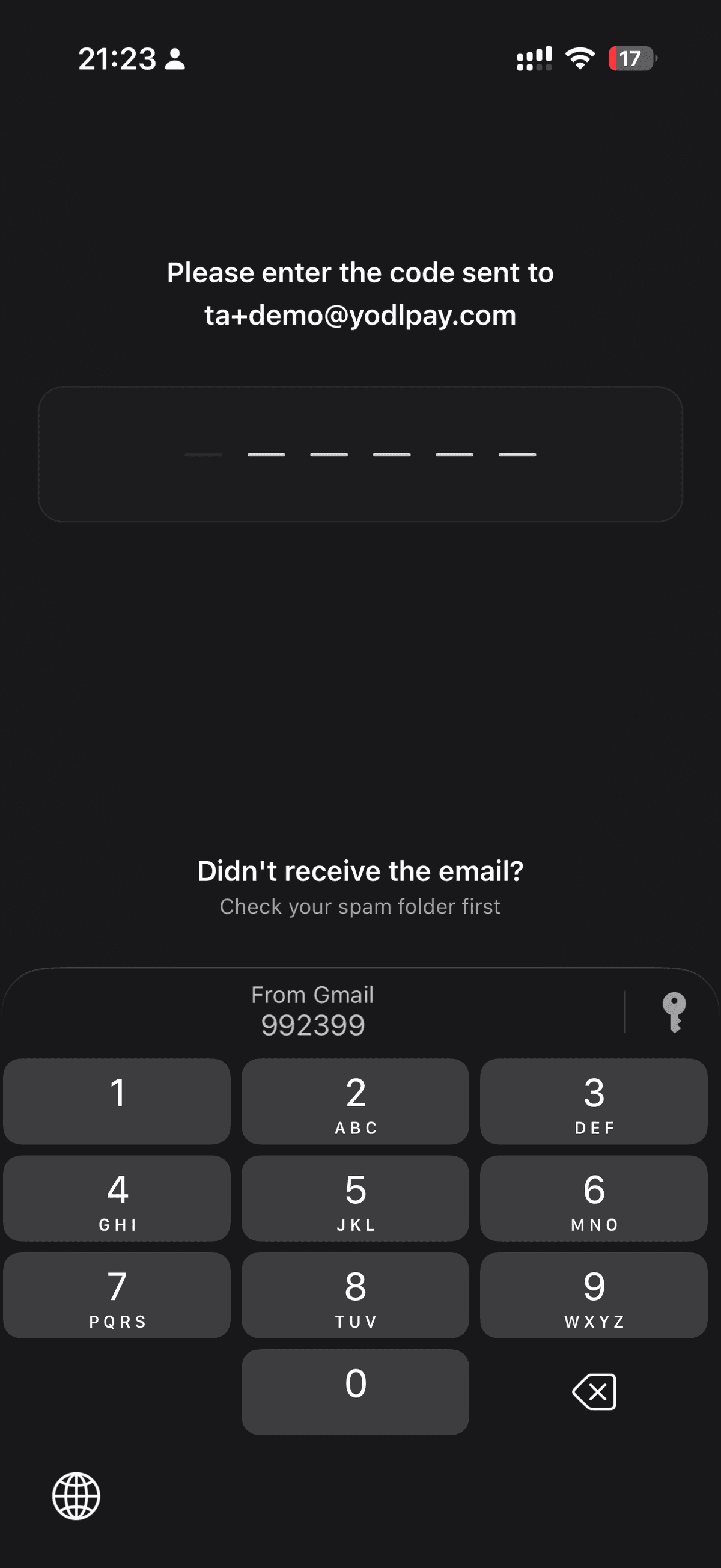
Yodl will send a six-digit verification code to your inbox. Enter the code on the next screen to confirm your account.
️ Didn't receive the code? Check your spam folder. The code expires within a few minutes.
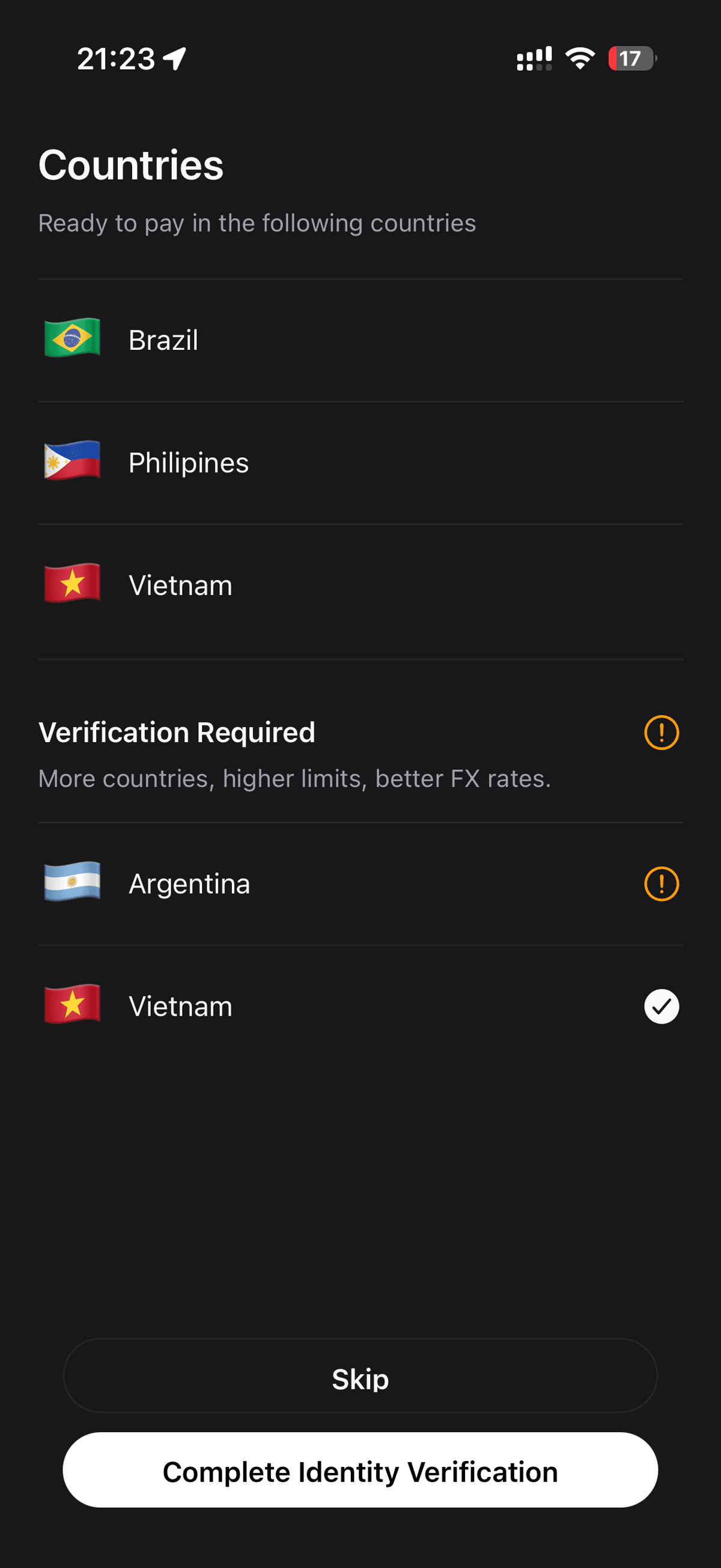
Choose Your Verification Level
Yodl gives you two options for payment limits:
- Quick Pay — Start paying immediately. No documents required. Lower limits.
- Pro Pay — Verify your identity to unlock higher limits and access more countries.
Tip: To access more countries, higher limits, and better exchange rates, choose "Complete Identity Verification."
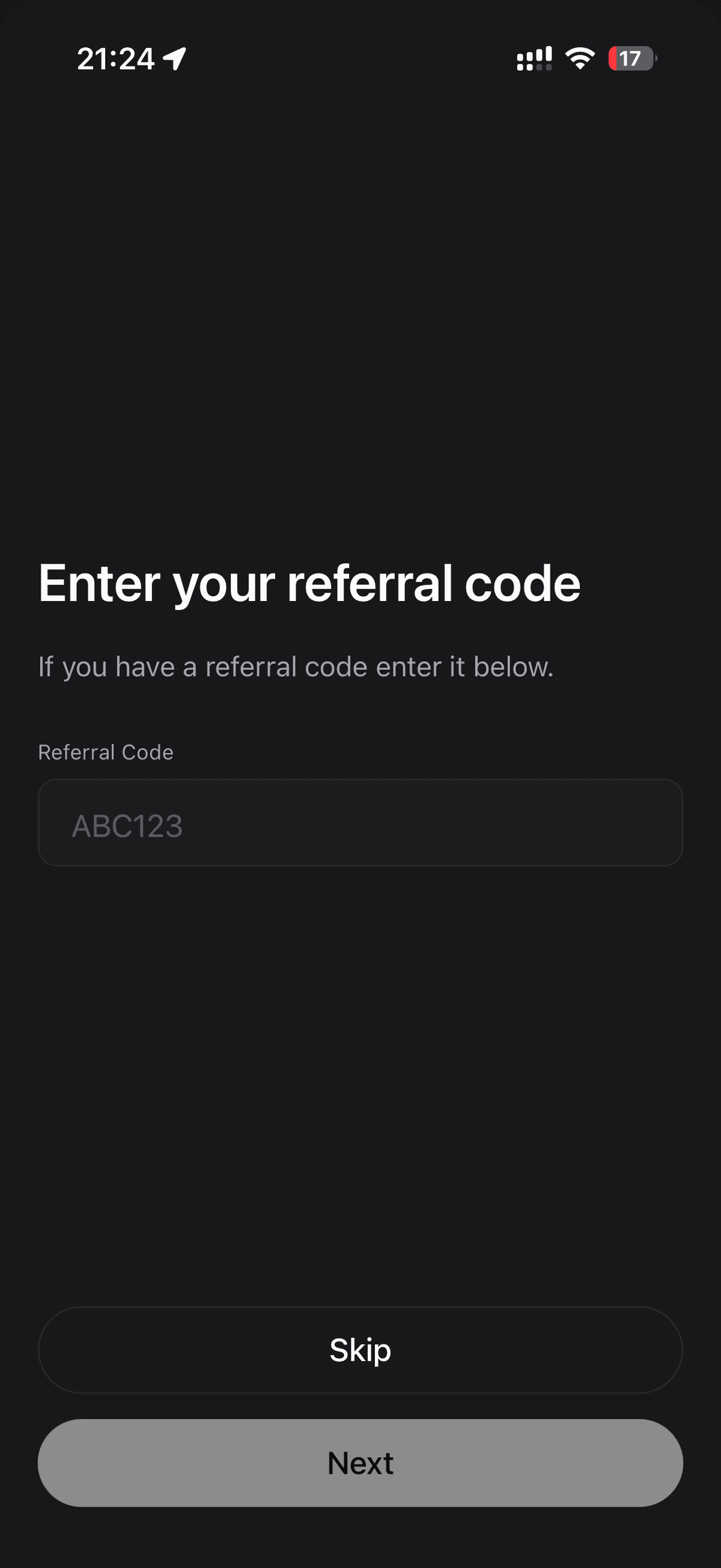
Enter Your Referral Code
If you have a referral code, enter it here. Otherwise, skip this step.
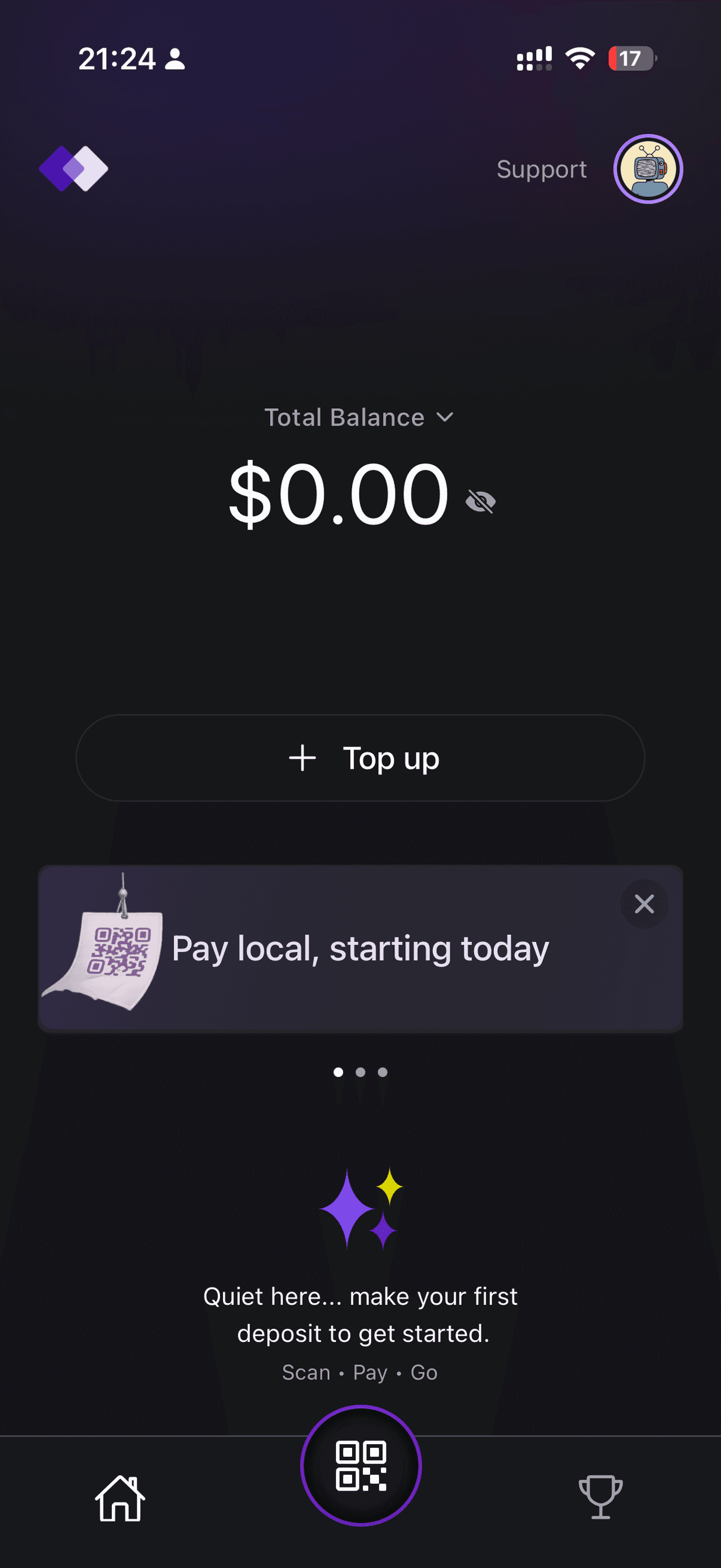
Tour the Wallet
Your wallet is set up. You'll see your balance, quick actions (Pay, Receive, Deposit), and recent activity. Take a moment to explore.
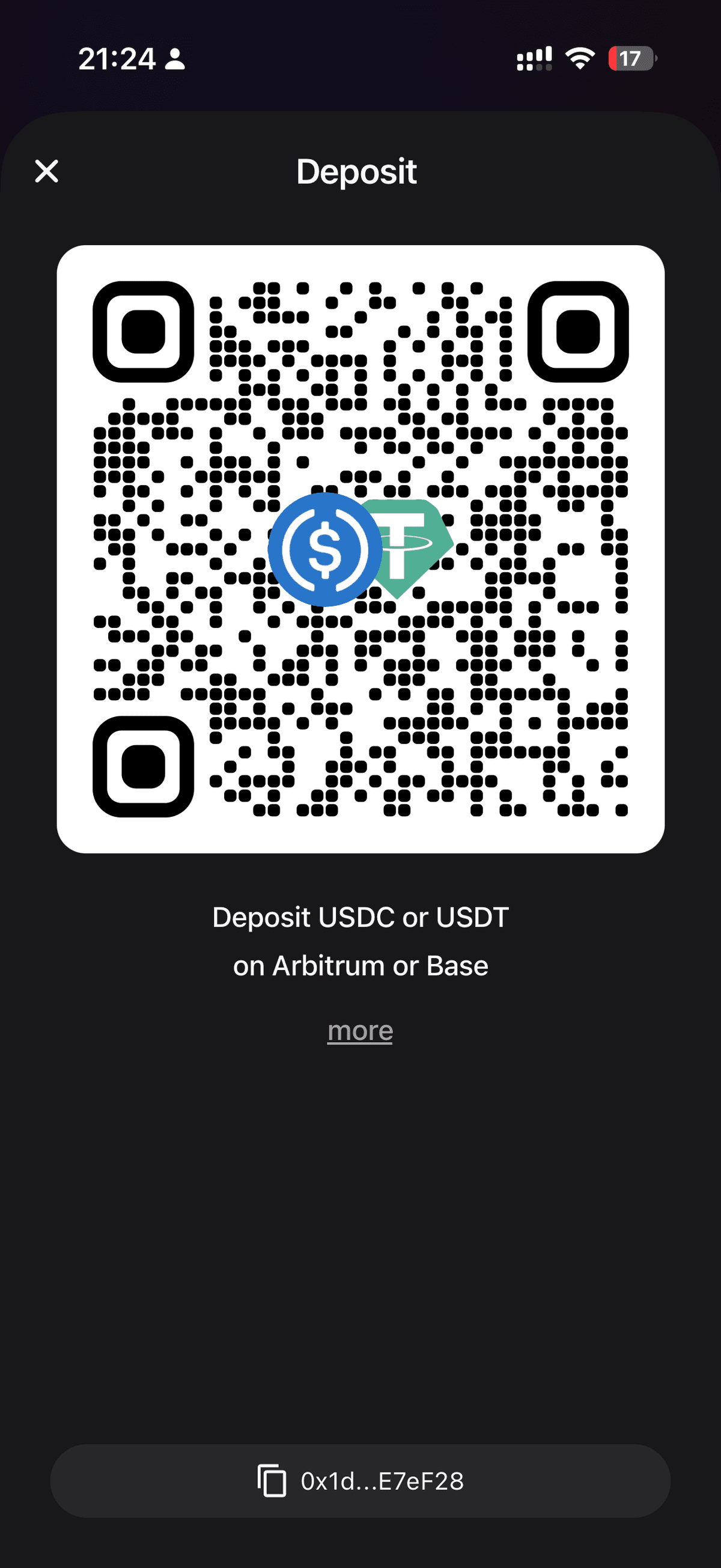
Deposit Funds
To start paying, you need USDC or USDT in your wallet.
Your deposit address is a standard EVM address. You can send funds from:
- Any crypto exchange (Binance, Coinbase, Kraken, etc.)
- Any crypto wallet (MetaMask, Rabby, etc.)
- Another Yodl Pay user
To find your address, tap Deposit from the home screen. Copy the address or scan the QR code.
️ Important: Only send USDC or USDT on Arbitrum or Base. Sending tokens on other networks may result in lost funds.
You're All Set
Once your deposit lands (usually within a minute or two), your balance will update and you're ready to pay.
Find a merchant, scan their QR code, enter the amount, confirm, and you're done.
Scan. Pay. Done.

