Top Up Your Yodl Pay Account via Revolut
Convert your local currency to USDC and send it to Yodl Pay in minutes.
This guide covers two steps:
- Part 1: Convert your USD (or any currency) to USDC inside Revolut.
- Part 2: Add your Yodl Pay address in Revolut and send USDC to it.
What you'll need:
- A Revolut account with a balance
- Your Yodl Pay wallet address (found in the app under Deposit)
Part 1 — Convert Your Money to USDC
Open Revolut and Tap Move
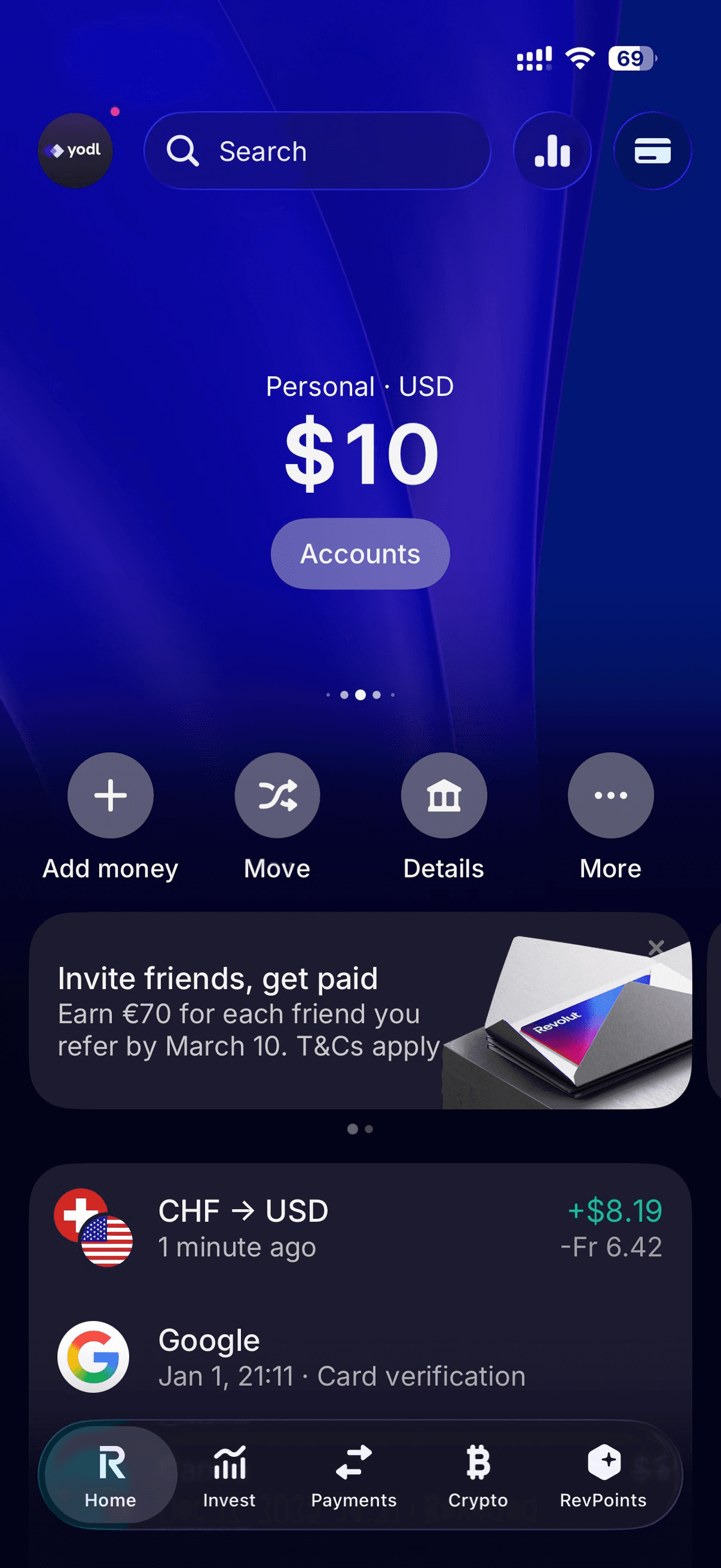
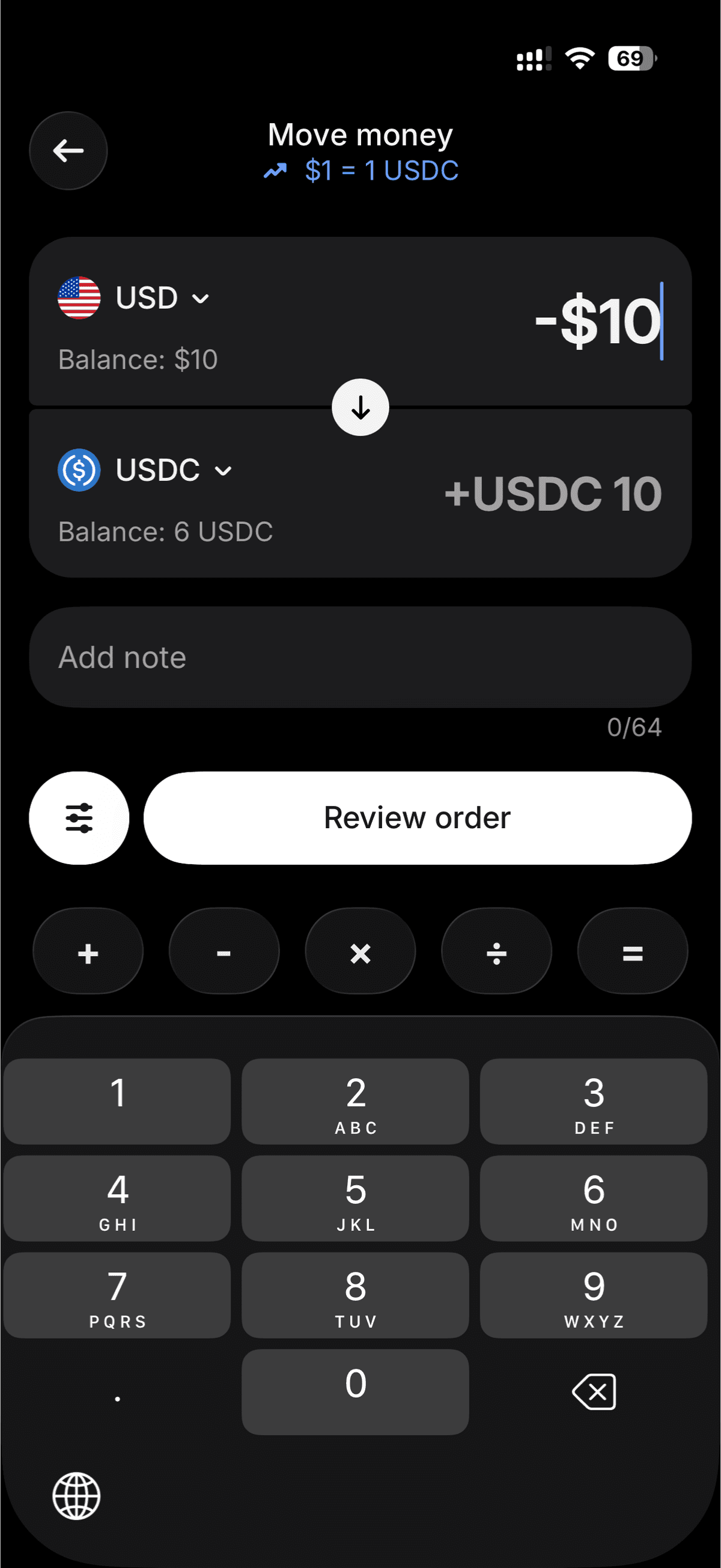
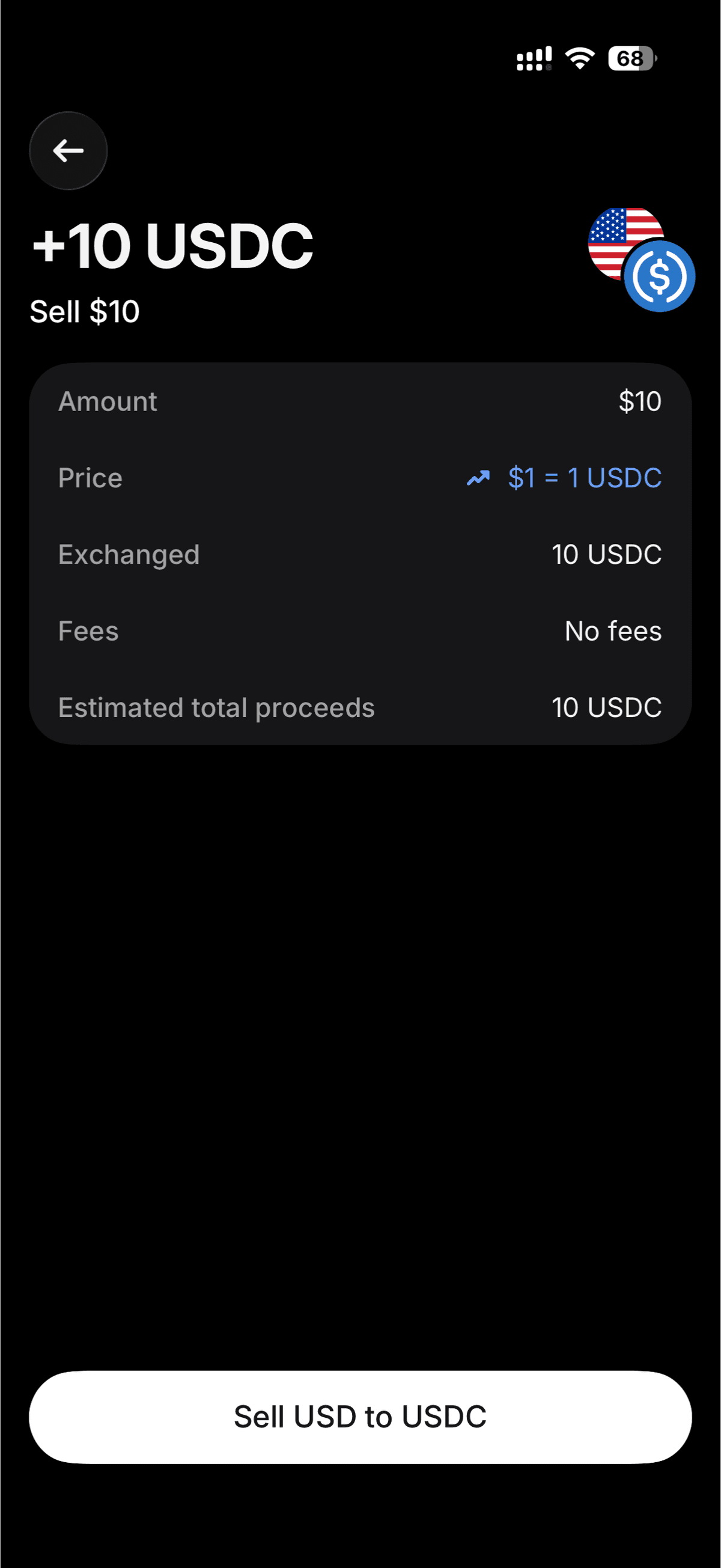
From the home screen, tap Move in the row of buttons below your balance. The top row is what you're converting from — set it to USD (or whichever currency you have). The bottom row is what you get — set it to USDC. Enter the amount, tap Review order, and confirm.
Part 2 — Send USDC to Yodl Pay
️ Before you start: Make sure you have your Yodl Pay deposit address ready. Open Yodl Pay, tap + Top Up, then tap the wallet address to copy it.
Go to the Crypto Hub
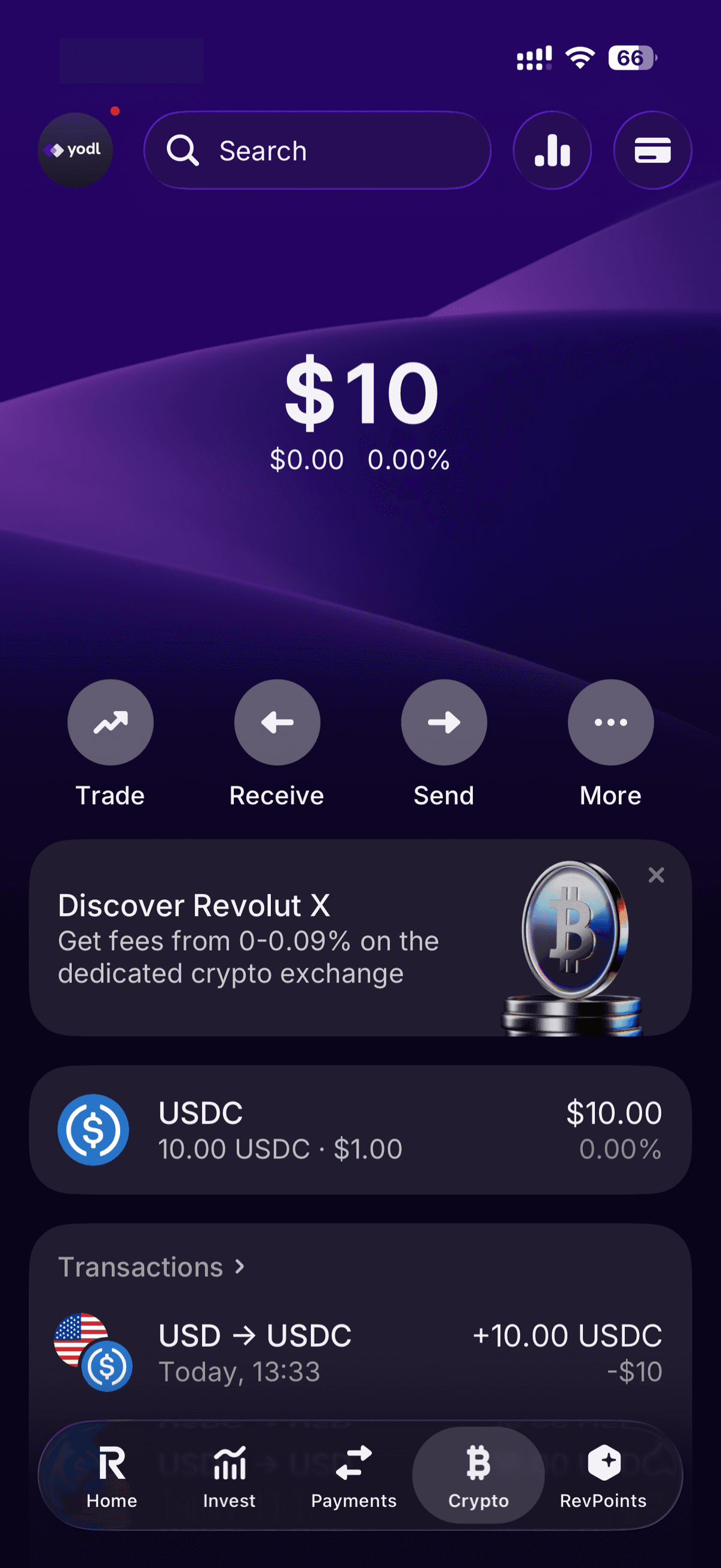
After buying USDC, go to your crypto holdings. Tap on USDC to open it.
Add Your Yodl Pay Address
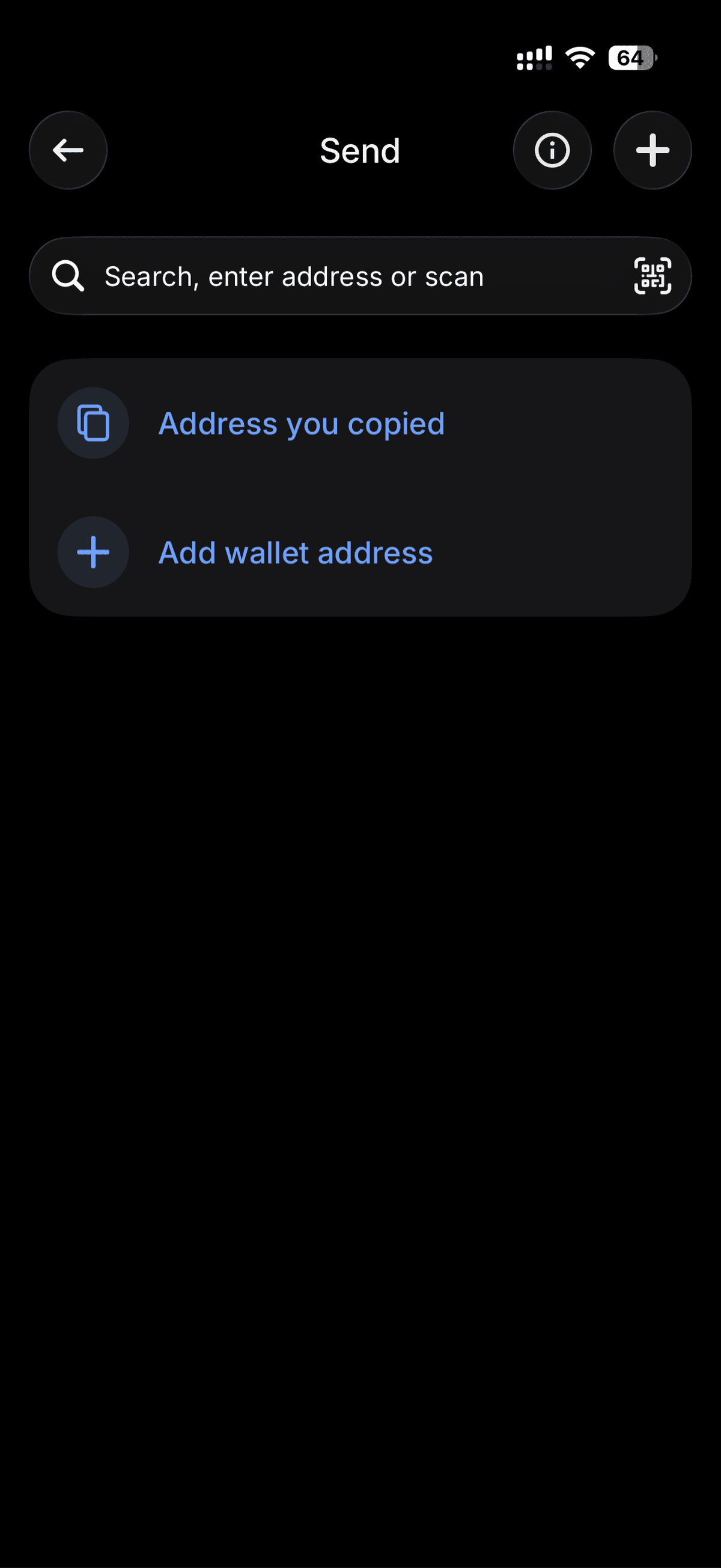
Tap Send, then select Add wallet address or paste the address you copied from Yodl Pay.
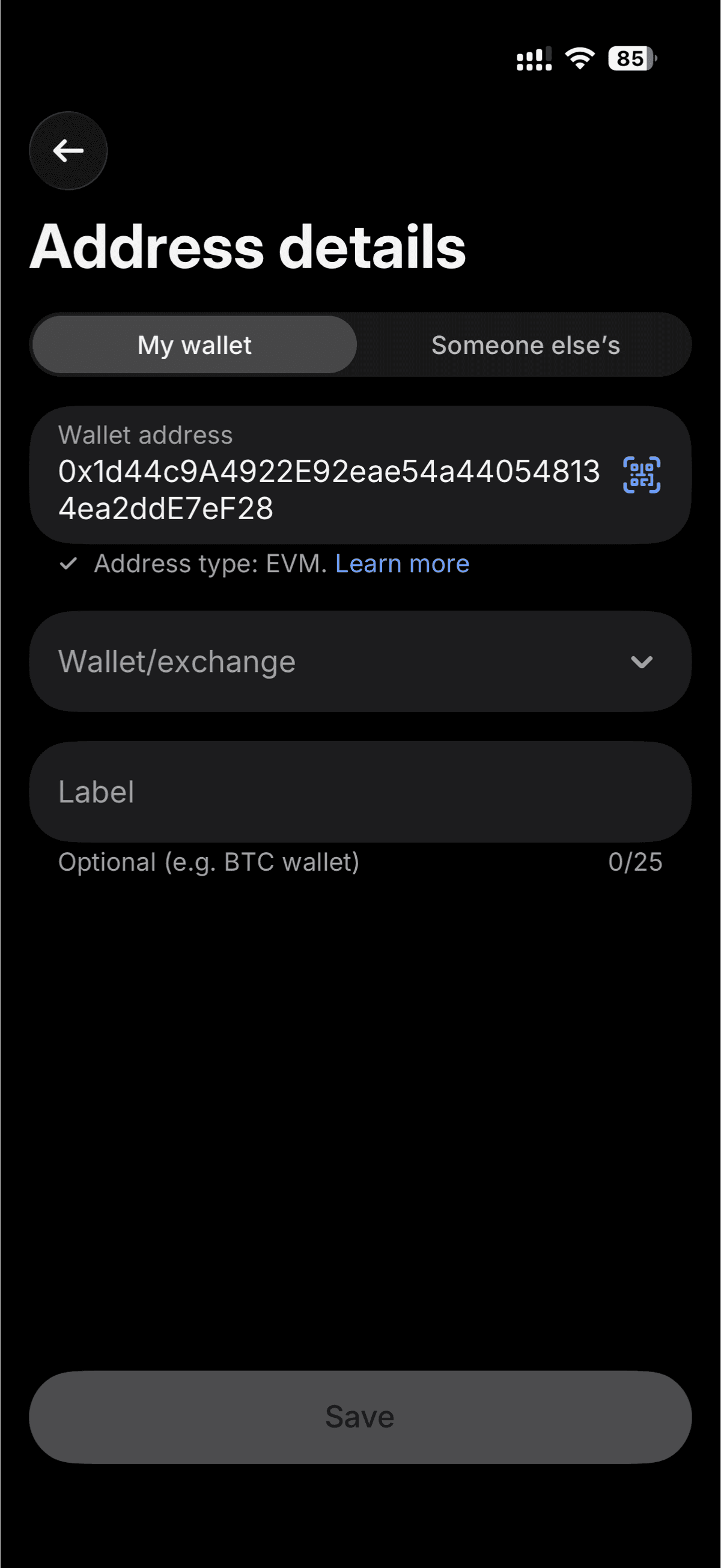
You'll see the Address details form. Paste your Yodl Pay wallet address into the address field. Revolut will detect it as an EVM address.
️ Double-check the address. Crypto transactions are irreversible. Make sure the address matches exactly.
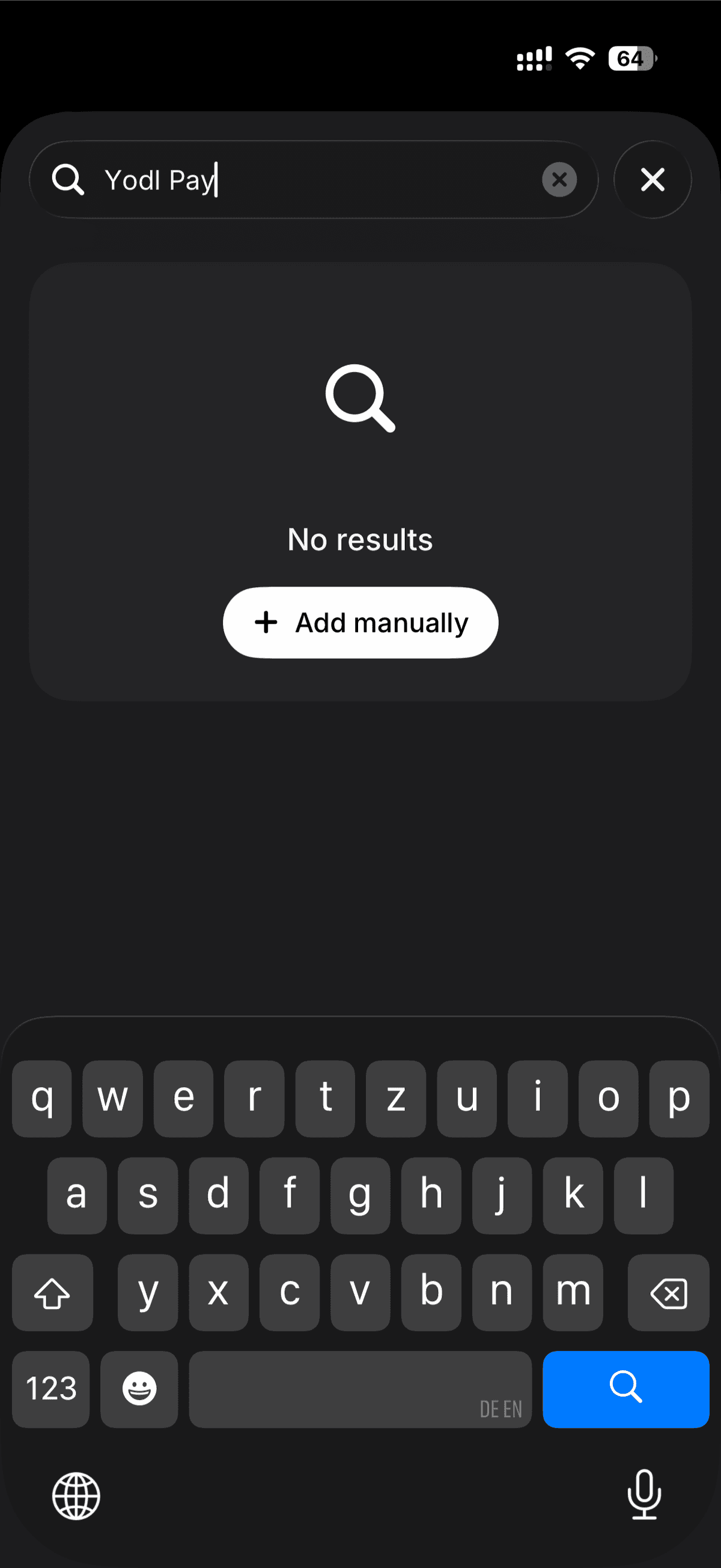
If the address isn't saved yet, search for it or tap Add manually.
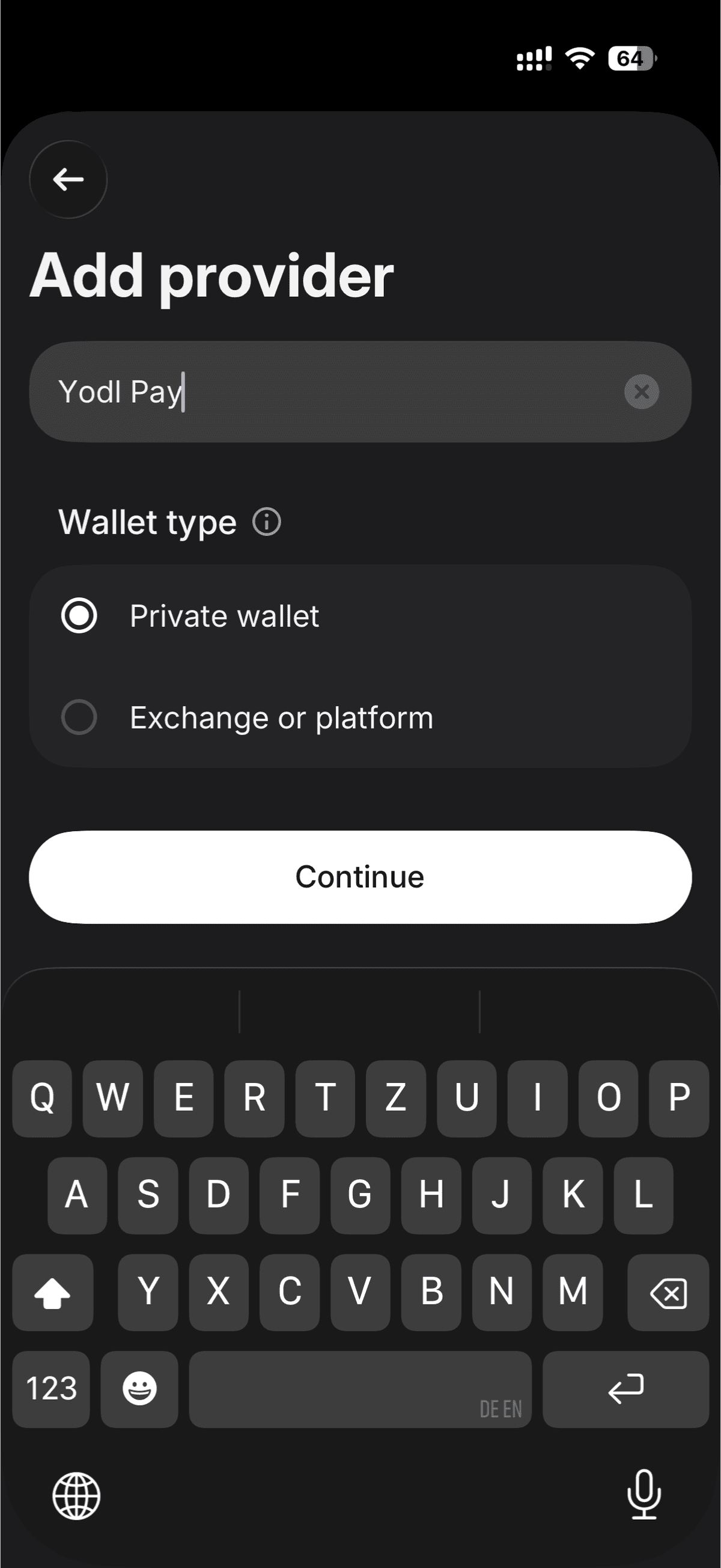
Revolut will ask you to add a provider. Enter "Yodl Pay" as the name and select Private wallet as the wallet type.
Add an optional label to help you find this address later.
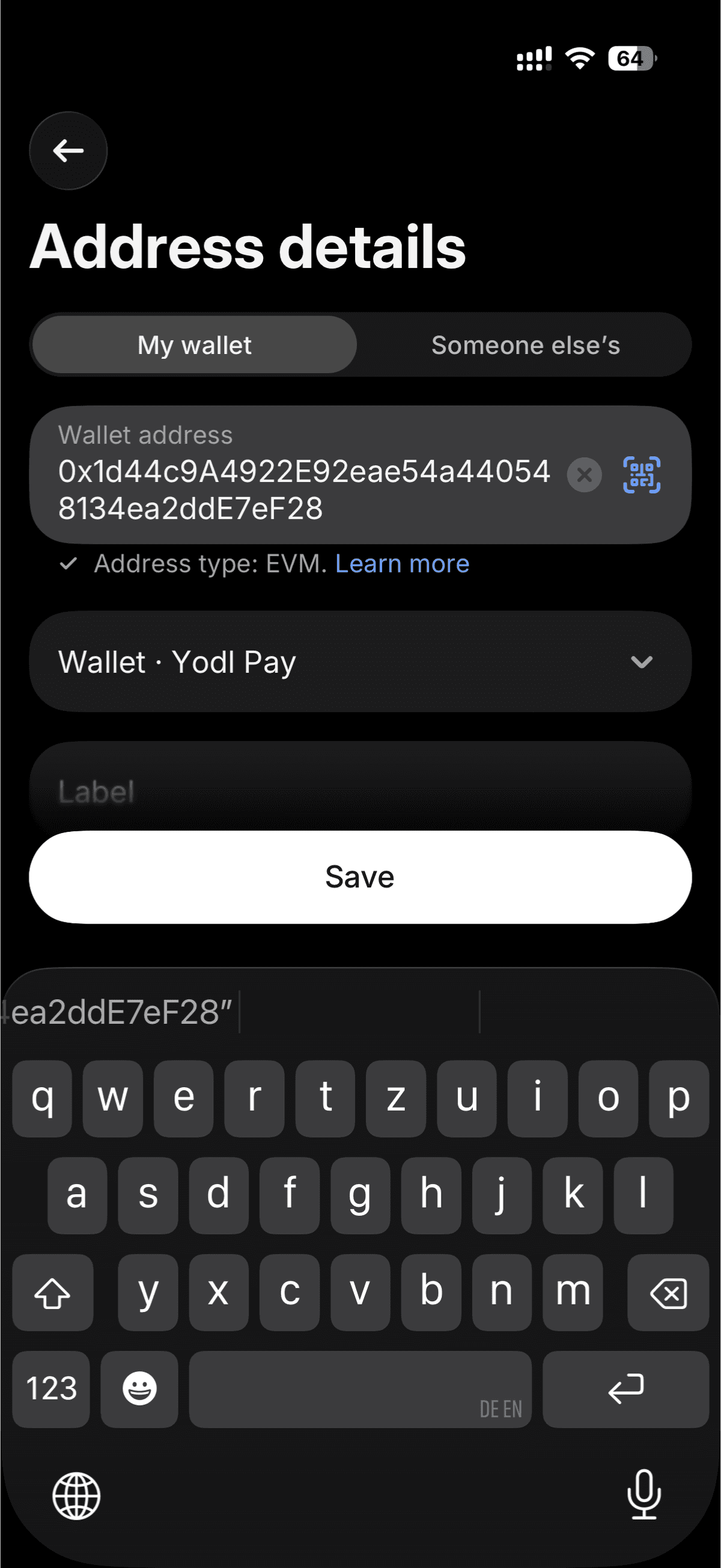
Review the address details one more time — wallet address, provider, and label — then tap Save.
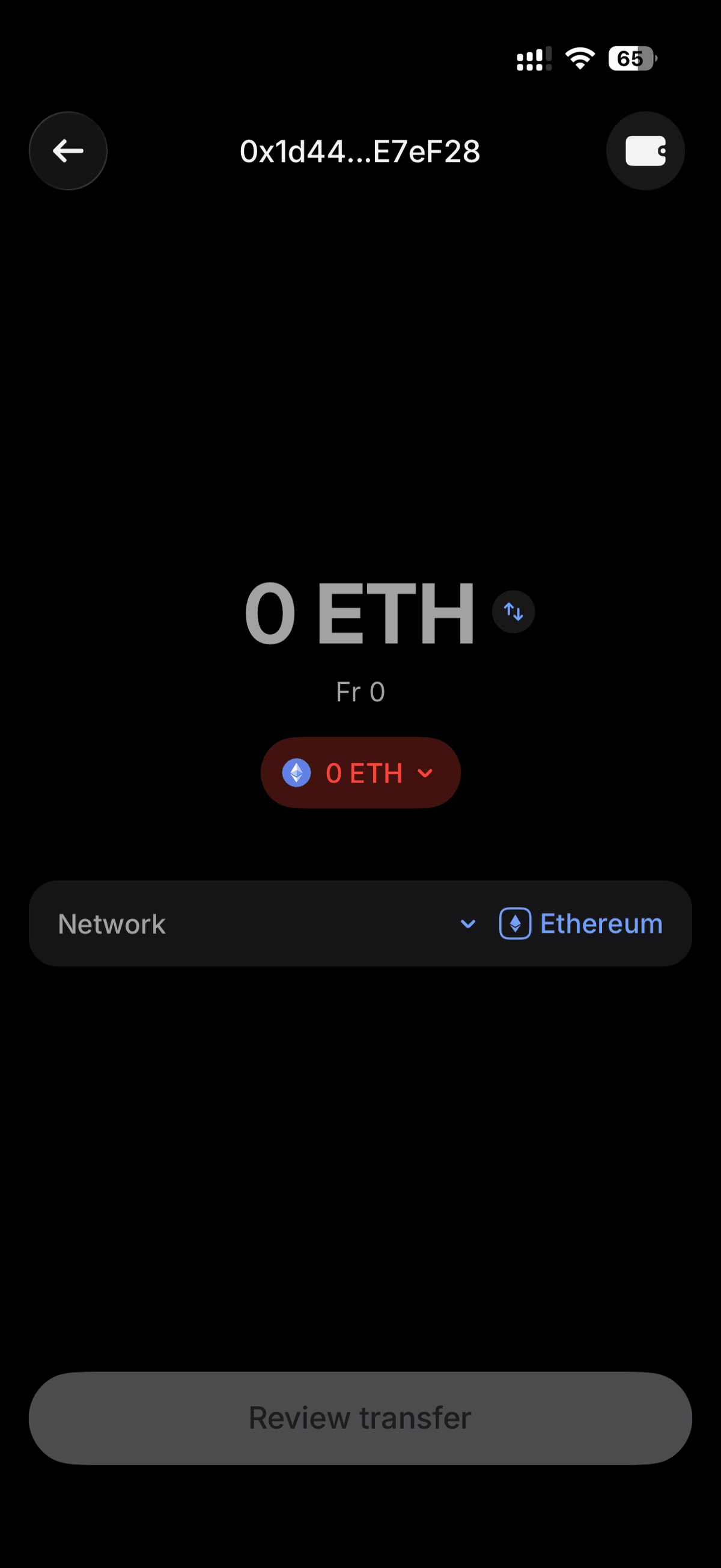
Change the Token to USDC
The transfer screen may default to ETH. Tap the token selector and switch to USDC.
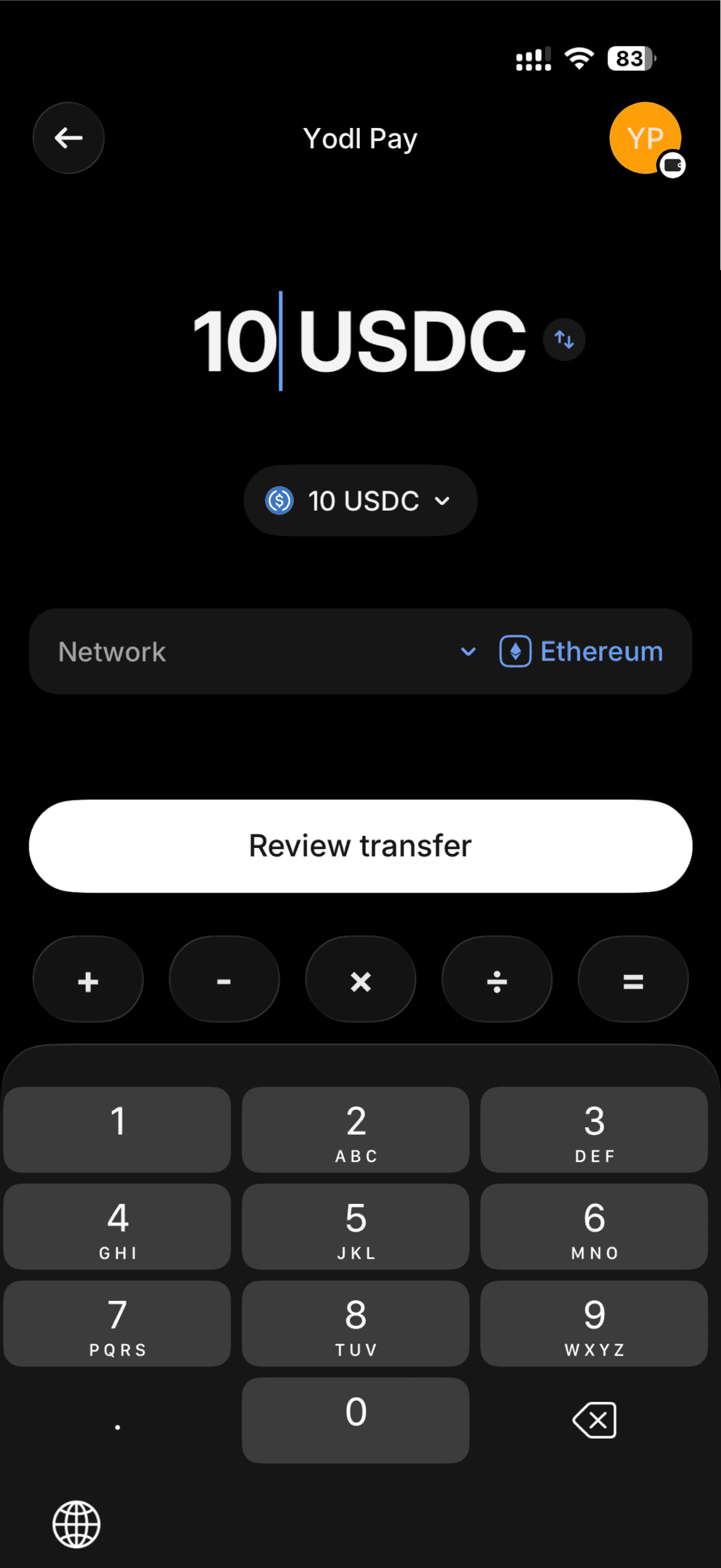
Enter the Amount
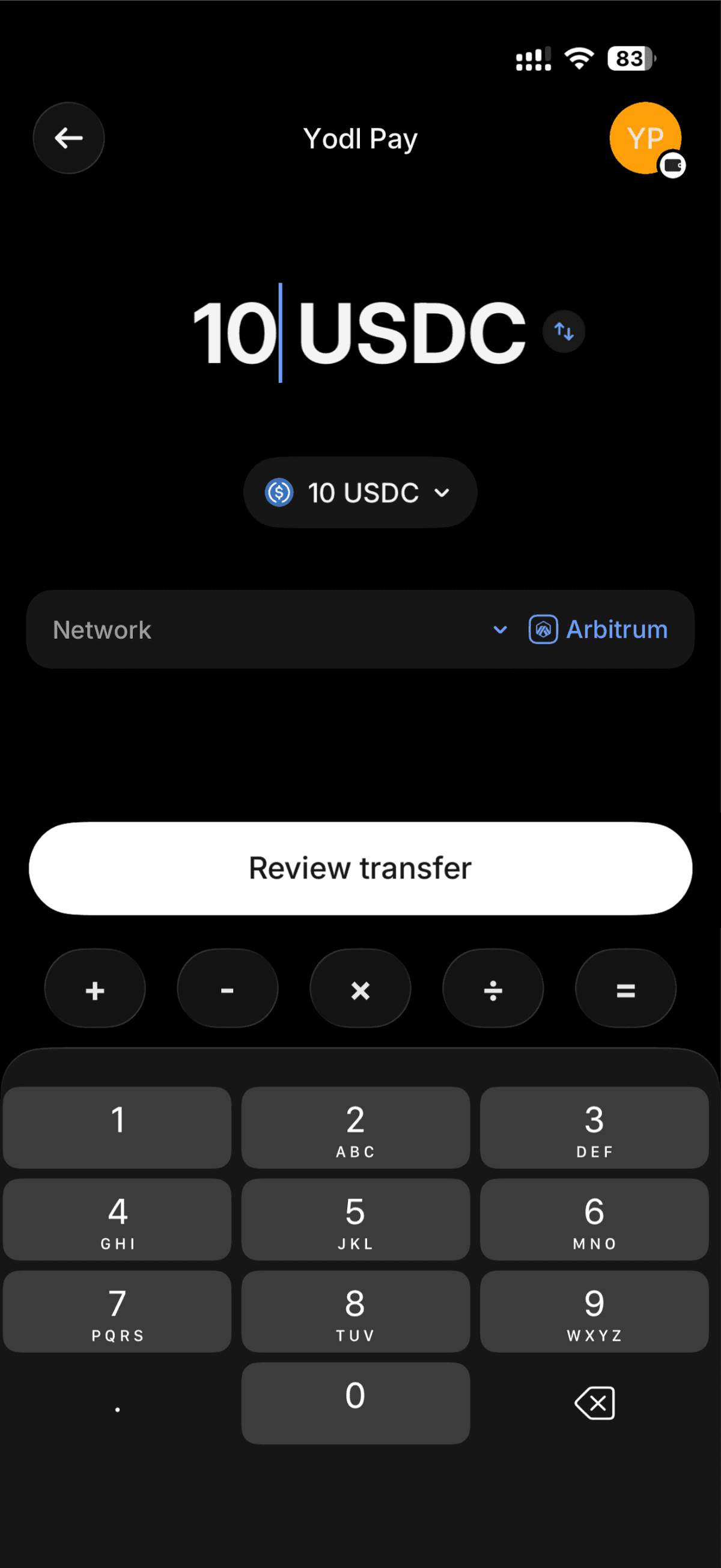
Enter the amount of USDC you want to send. Review the network fee (Arbitrum fees are typically a few cents).
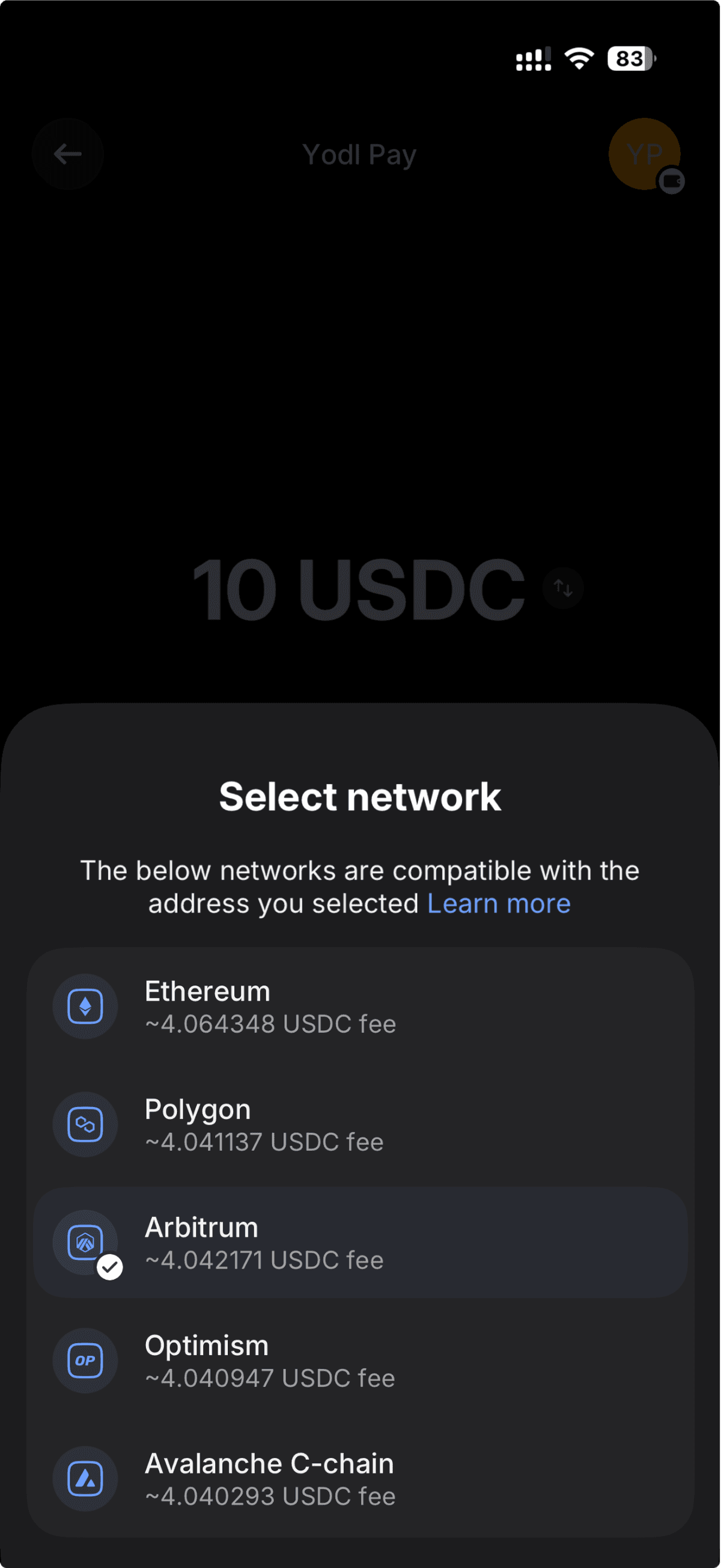
Change the Network to Arbitrum
This is critical. Tap the Network selector and choose Arbitrum.
Do not select Ethereum mainnet — fees will be much higher and the transaction may not arrive in your Yodl wallet.
️ Must select Arbitrum. If Arbitrum is not available, select Base. Do not send on Ethereum mainnet.
Review and Send
Double-check the address, network (Arbitrum), and amount. Tap Review transfer and confirm.
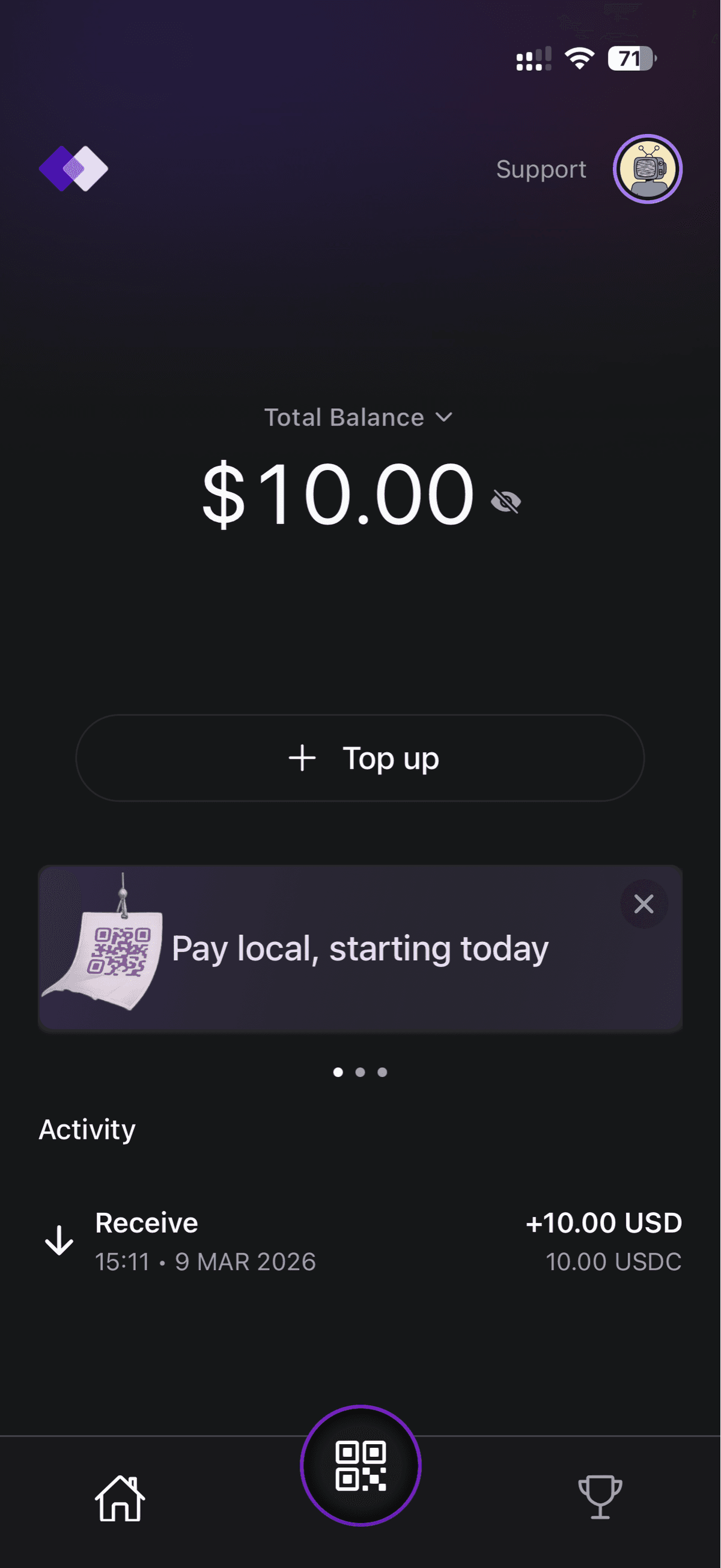
Revolut will process the withdrawal. It typically takes 1–5 minutes for the USDC to arrive in your Yodl Pay wallet.
You're All Set
Your wallet is funded and you're ready to pay.
Scan. Pay. Done.

