How to top up
Send USDT or USDC to your Yodl address from an exchange, wallet or money app you already use.
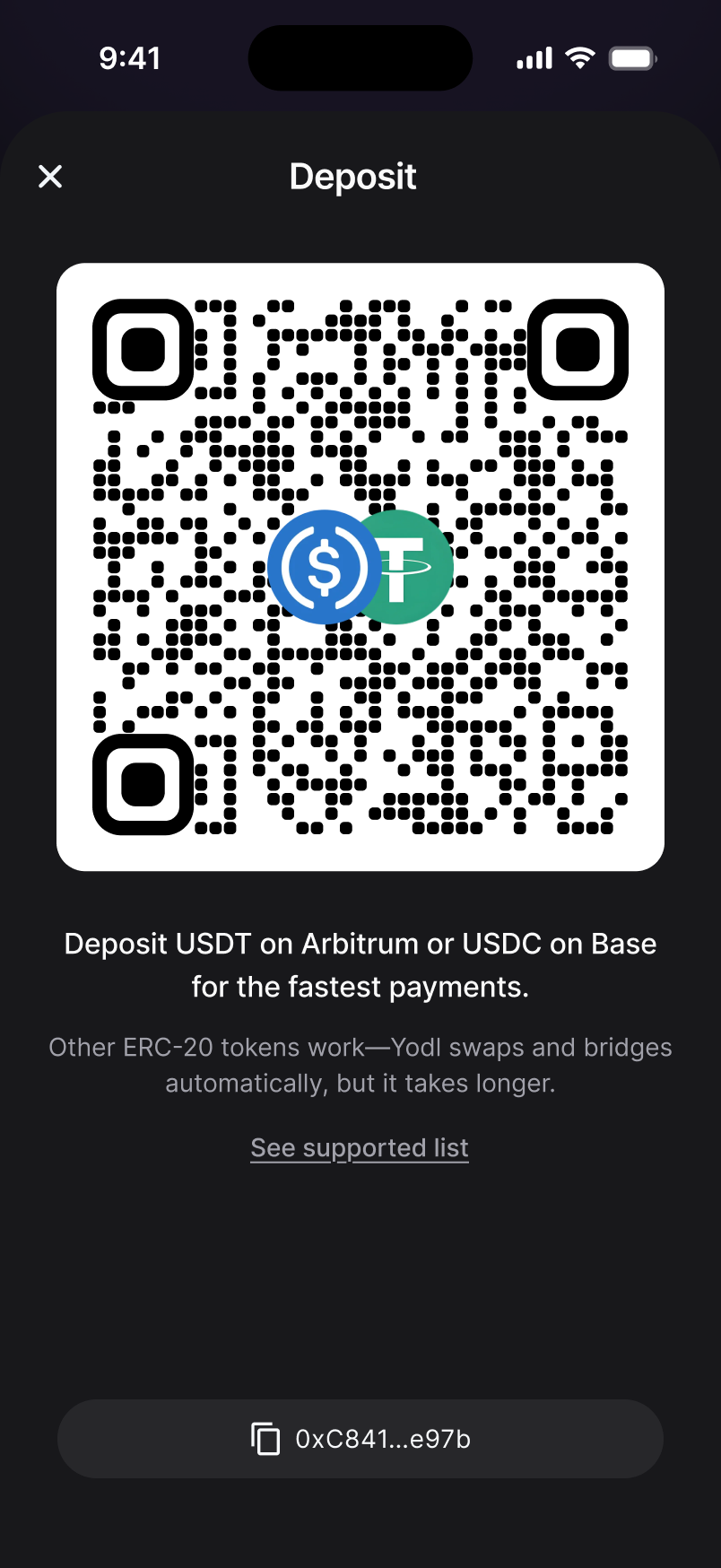
Copy your Yodl address
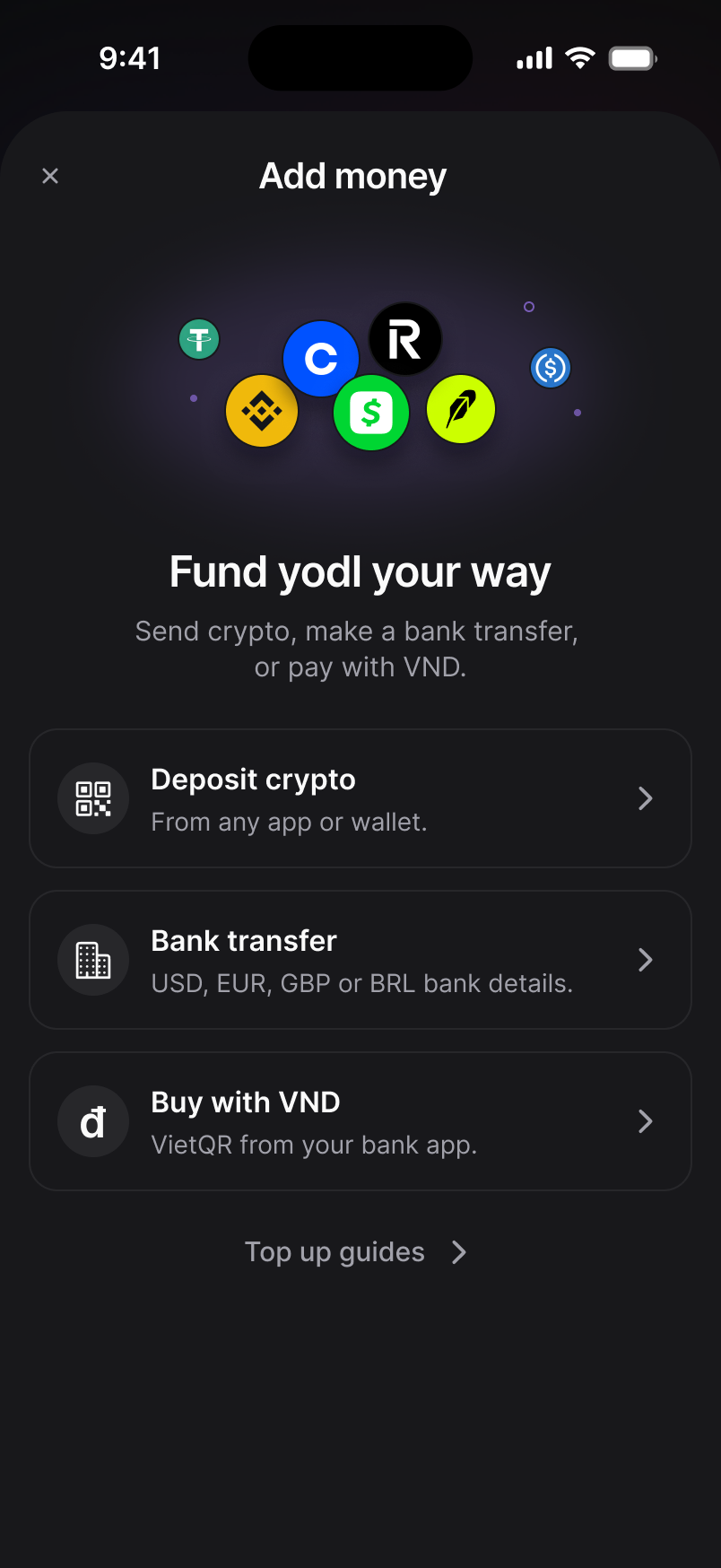
Open Yodl and tap Top up. If you see Add money, choose Deposit crypto. Your address and a QR code are on the next screen.
Send USDT or USDC to it
From any exchange or wallet. For the fastest deposits use USDT on Arbitrum or USDC on Base.
Wait for it to land
Once the transaction confirms, your balance updates automatically.
Step-by-step for your app
Still stuck? Chat with support
Updated November 16, 2026