
Top up from Robinhood
Send USDC from Robinhood to your Yodl address. Works on US and EU accounts with crypto enabled.
Before you start
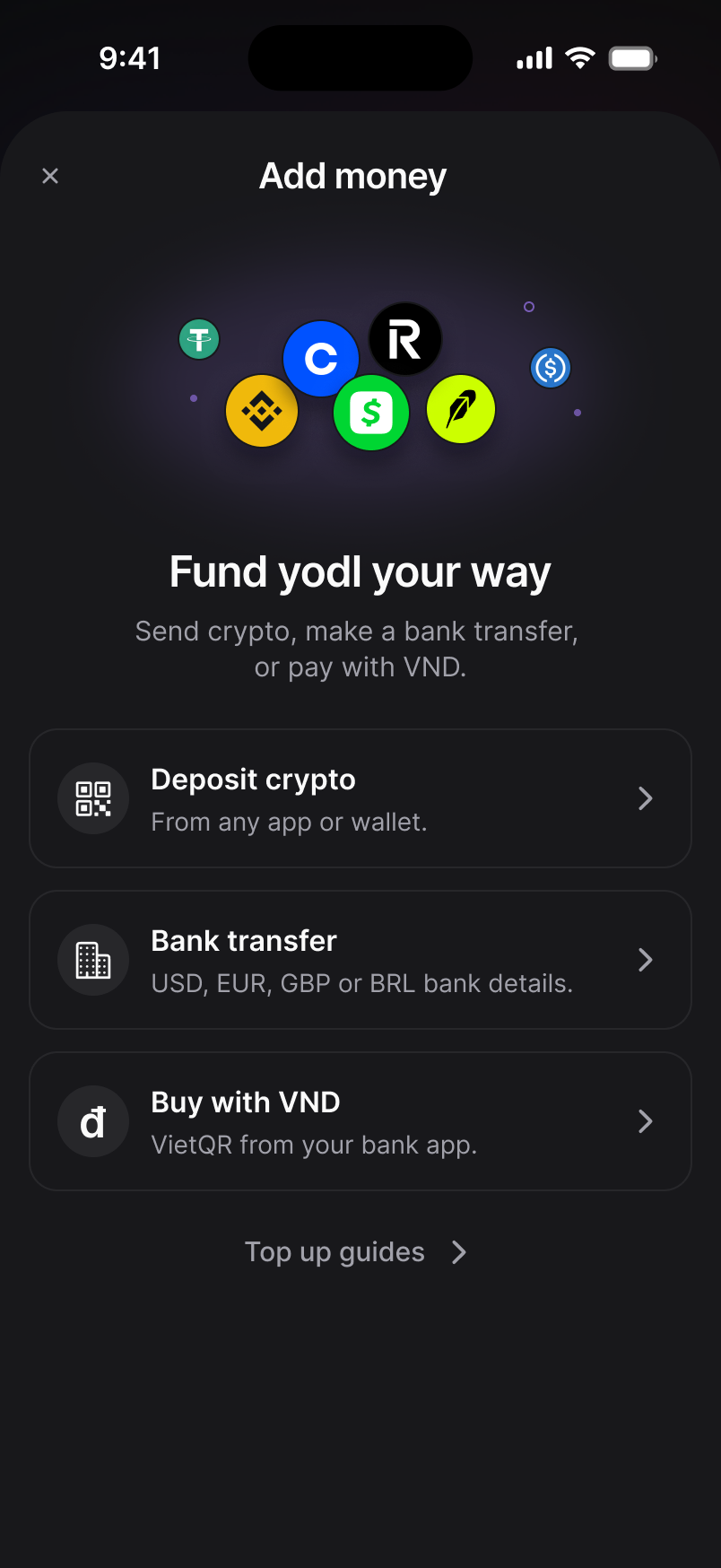
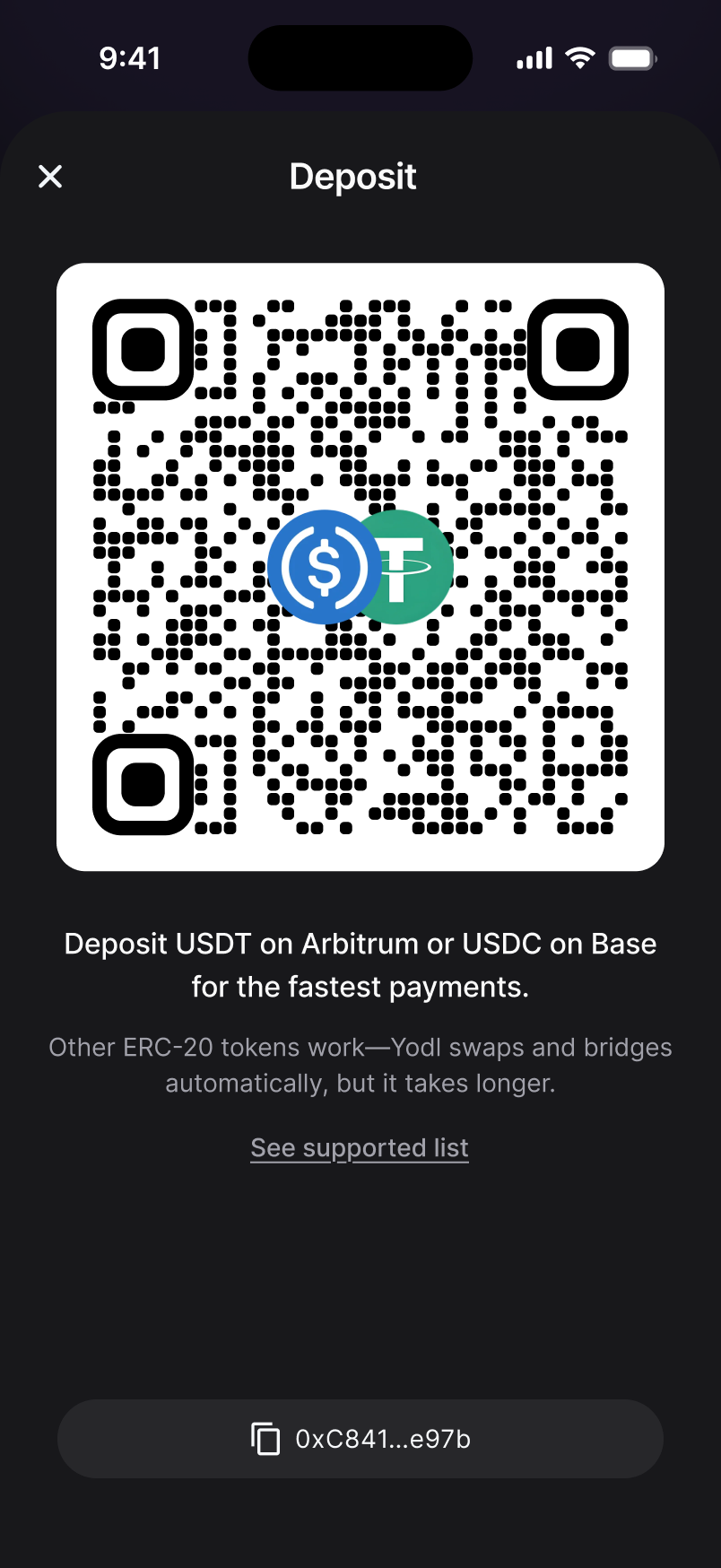
Open Yodl and tap Top up. If you see Add money, choose Deposit crypto. Then copy your address.
In Robinhood
Open Crypto
Tap your Account icon and choose Crypto.
Send USDC
Pick USDC and tap Send.
Paste your Yodl address
Paste your Yodl address as the recipient.
Pick Base
Set the network to Base. Enter the amount and confirm.
Robinhood lets you send once your identity is fully verified there. Once the send confirms, your Yodl balance updates automatically.
Still stuck? Chat with support
Updated November 16, 2026